Frequently asked questions
How can I reset my password?
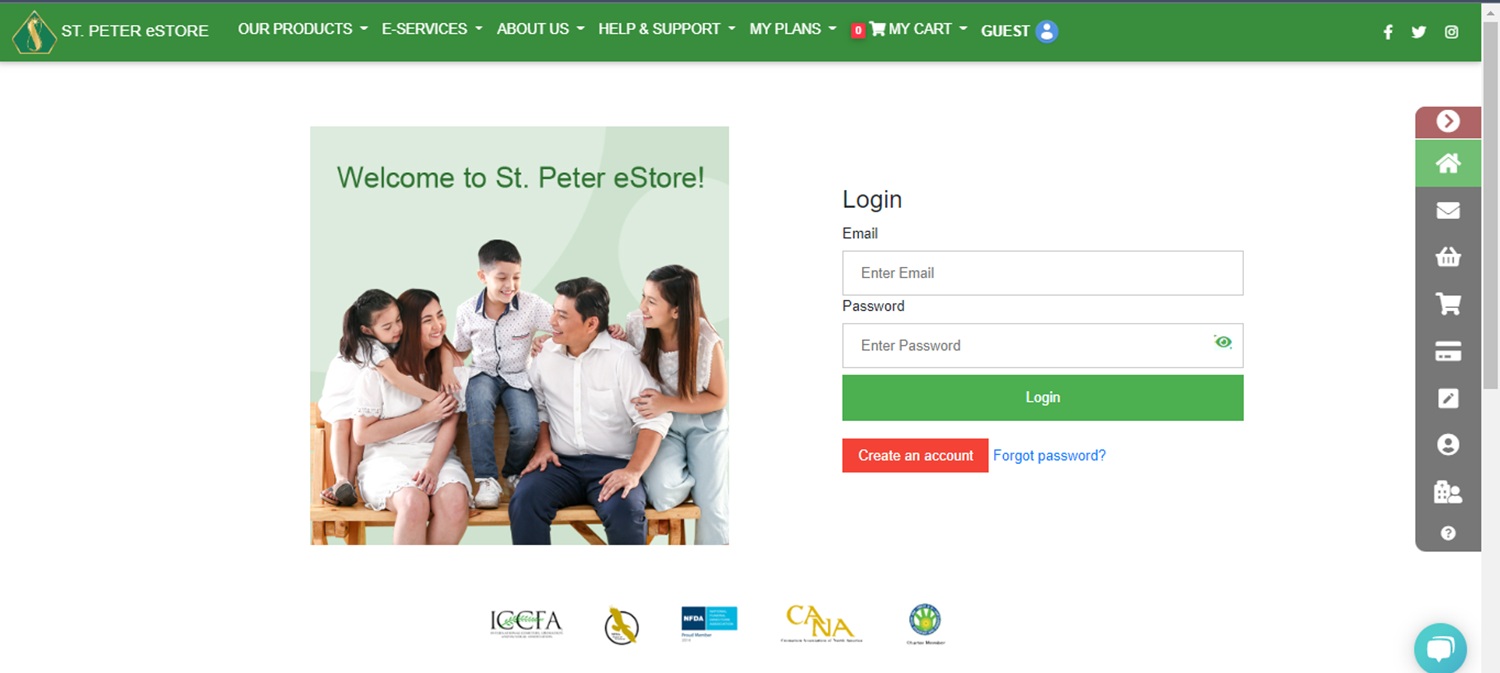
1. Log in to your account.
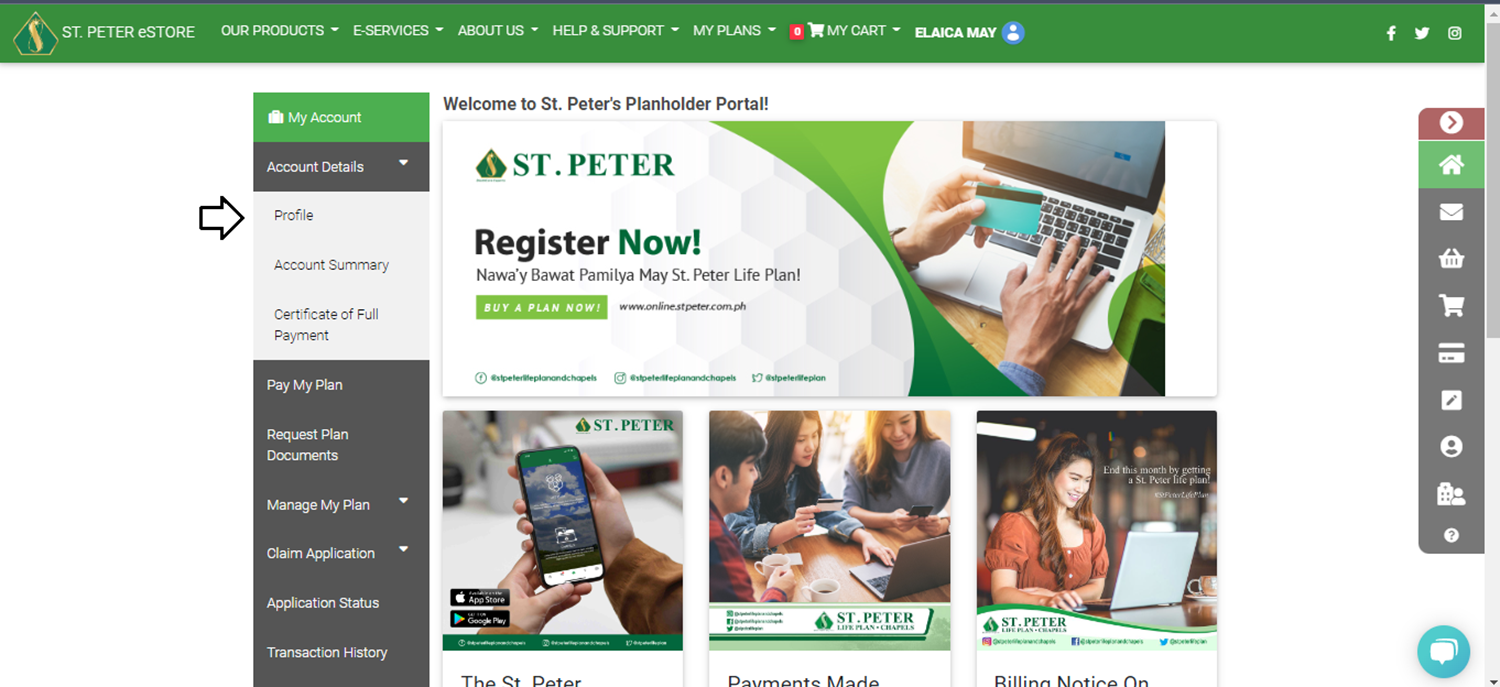
 2. Go to Account Details and select PROFILE. On the User Profile, click the CHANGE PASSWORD.
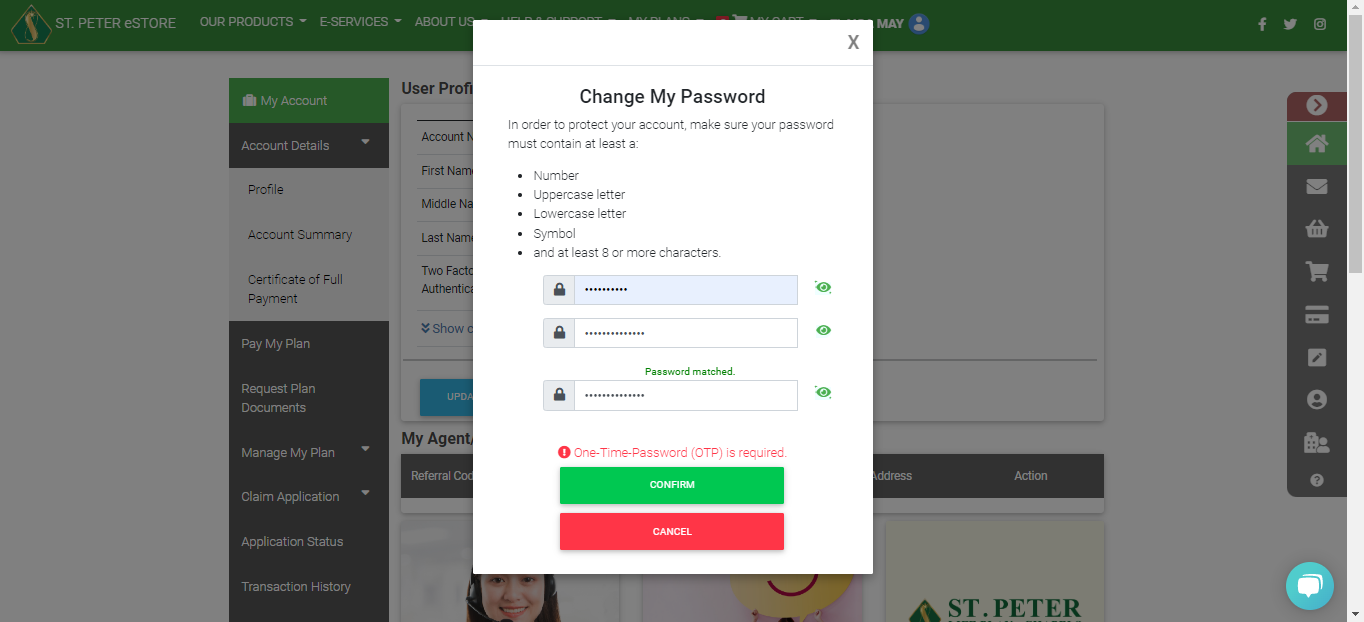
 3. Enter your current password and then enter your new password.
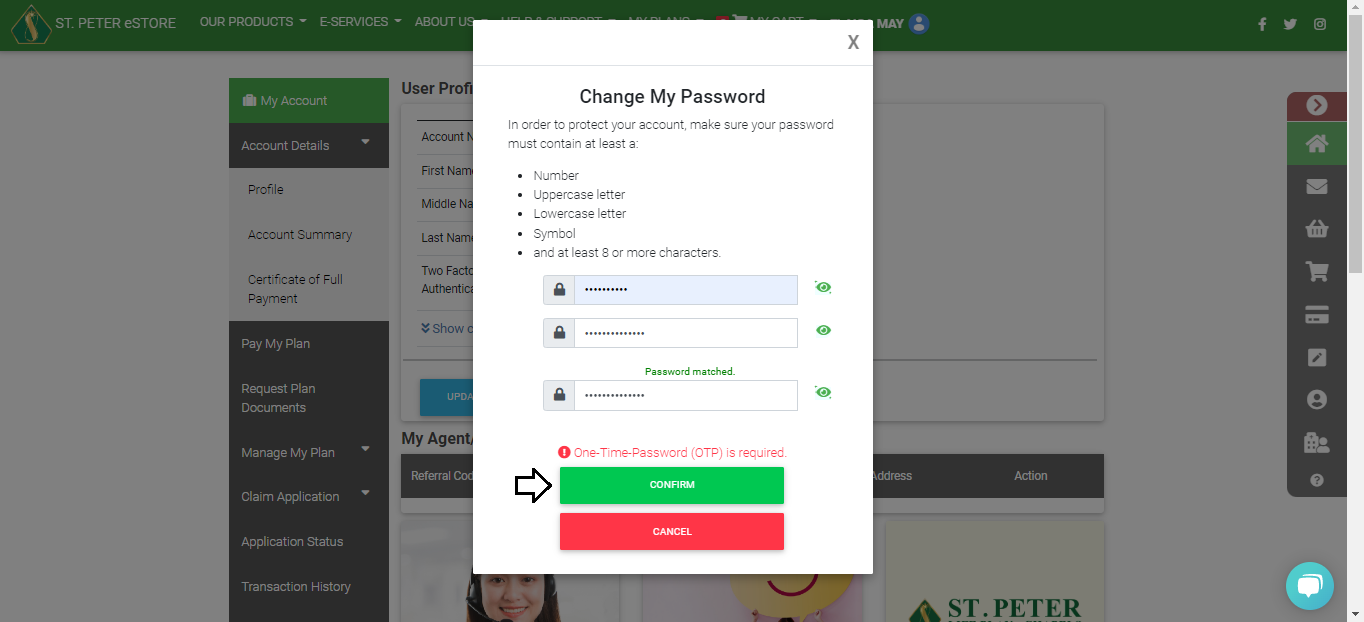
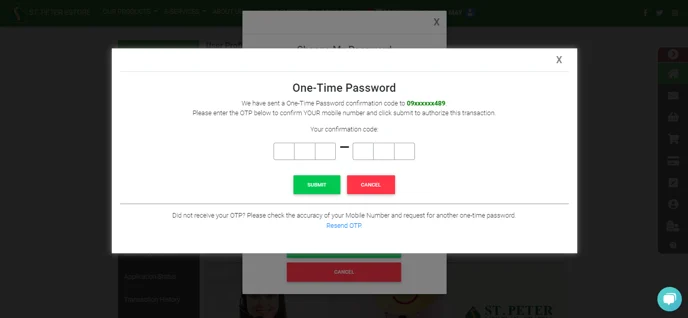
 4. Tap CONFIRM and you will receive an OTP to your registered mobile number.
 5. Enter the OTP and Submit.
2. Go to Account Details and select PROFILE. On the User Profile, click the CHANGE PASSWORD.
3. Enter your current password and then enter your new password.
4. Tap CONFIRM and you will receive an OTP to your registered mobile number.
5. Enter the OTP and Submit.


